
Video Conferencing
Better meetings.
Clearer next steps.
Bring people into the conversation with Cloudway Meetings inside Elevate. Meet in HD, share ideas on screen, and turn the discussion into useful follow-up.
Cloudway Meetings
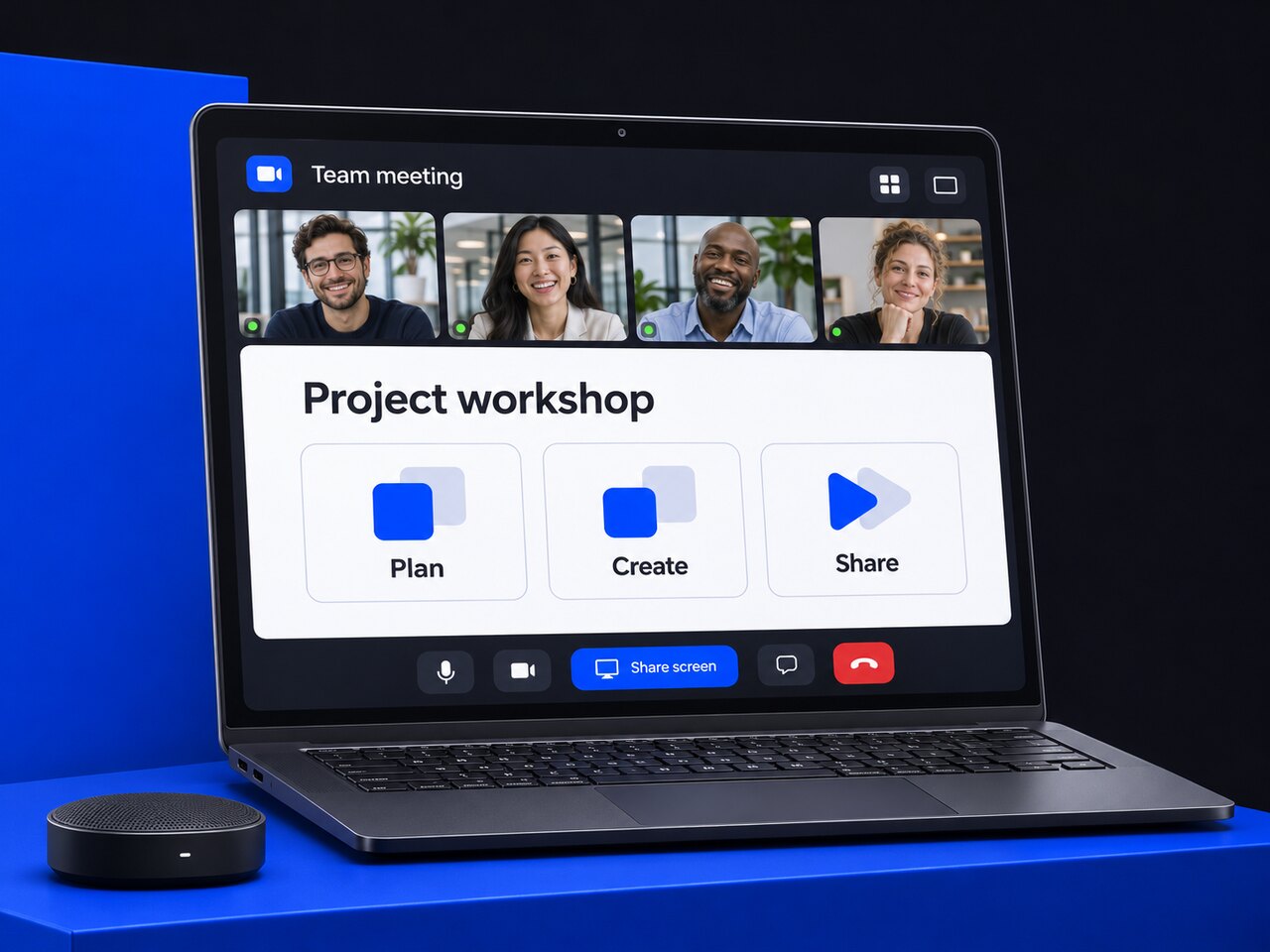
Meet
Share
Follow up
Together from anywhere
More ways to join. More room for ideas.
Cloudway Meetings brings the AnyMeeting experience into Elevate alongside business calling, chat, and files.
Meet across devices
Start or join from the Elevate desktop, mobile, or web experience. Keep remote and hybrid teams connected without tying the meeting to one location.
Choose your audio
Use computer audio or dial in with the meeting's phone number and PIN.
Bring the group together
Host HD sessions with support for up to 100 active webcams on eligible meeting plans.
Make it visual
Share your screen and annotate the details together, helping presentations, reviews, and decisions stay clear.
An easy way to meet
From an idea to a conversation.
01
Start or schedule
Sign in to Elevate and open the Meetings tab on desktop, mobile, or web.
02
Share the invitation
Copy the meeting link or invitation information and send it by email, SMS, or chat.
03
Welcome your guests
The host needs an Elevate account. Guests can join from the shared link without creating one.
Keep the conversation useful
Good meetings do not end at goodbye.
Keep decisions and next steps within reach, so the conversation can move into action.
Recording storage, transcription, and AI features vary by plan and service terms.
From discussion to action
Recordings and notes
Record and share meetings, capture real-time notes, and revisit decisions. Eligible plans include unlimited cloud recording storage.
Transcripts and summaries
Use automatic transcripts and AI-assisted summaries to review the key points, highlights, and conversation insights.
Action items and tasks
Bring follow-up into focus with useful action items, tasks, and next steps from the discussion.
Fit the way you work
Your tools. Your spaces. Your meeting.
Make video collaboration a natural part of the working day.

Elevate Rooms
Connect colleagues in a meeting room and remote participants with video collaboration and secure screen sharing.
Familiar integrations
Start or join meetings through tools such as Outlook, Google Workspace, Slack, and Microsoft Teams.
A consistent company presence
Use supported branding options to bring your company's identity into the meeting experience.
Confidence in the conversation
Security across the meeting experience.
User-access protection, encrypted applications, and monitored cloud infrastructure help safeguard your communications.
Protect user access
Controls for risky sign-ins and suspicious activity help reduce unauthorized access.
Secure applications
Encryption, application testing, and security monitoring add protection for communication data.
Defend the cloud
Data-center safeguards, 24/7 monitoring, and intrusion detection add layers of cloud protection.
Video Conferencing FAQs
Make your next meeting easier.
A few practical details for hosts, guests, and hybrid teams.
Is Cloudway Meetings part of Elevate?
Yes. Cloudway Meetings is the video collaboration feature inside Elevate, alongside calling, chat, and file sharing. The AnyMeeting experience is integrated into the Elevate desktop, mobile, and web environment.
How do I start a meeting and invite people?
Sign in to Elevate and open the Meetings tab to start or schedule a session. Copy the link or invitation information and send it by text, chat, or email.
Do guests need an Elevate account?
The meeting host needs an Elevate account. Guests can join using the meeting link without creating one, making it easier to include customers, partners, and colleagues outside your organization.
How many webcams can a meeting support?
Eligible meeting plans support up to 100 active webcams. Confirm the participant capacity, included collaboration features, and service terms for the plan you choose.
Can we keep recordings, notes, and follow-up actions?
Cloudway's meeting tools include recordings, notes, automatic transcripts, AI-assisted summaries, and action items. Eligible plans offer unlimited cloud recording storage; confirm which features and storage terms apply to your service.
Can office and remote colleagues join the same meeting?
Yes. Desktop, mobile, and web access support work across locations, while Elevate Rooms connects meeting-room and remote participants. People can use computer audio or dial in using the meeting's number and PIN.
Bring the right people together
Make room for a better meeting.
Tell us about your team size, meeting spaces, and everyday tools. We can help you explore the right video collaboration setup.