
Smarter, Faster, More Engaging Meetings
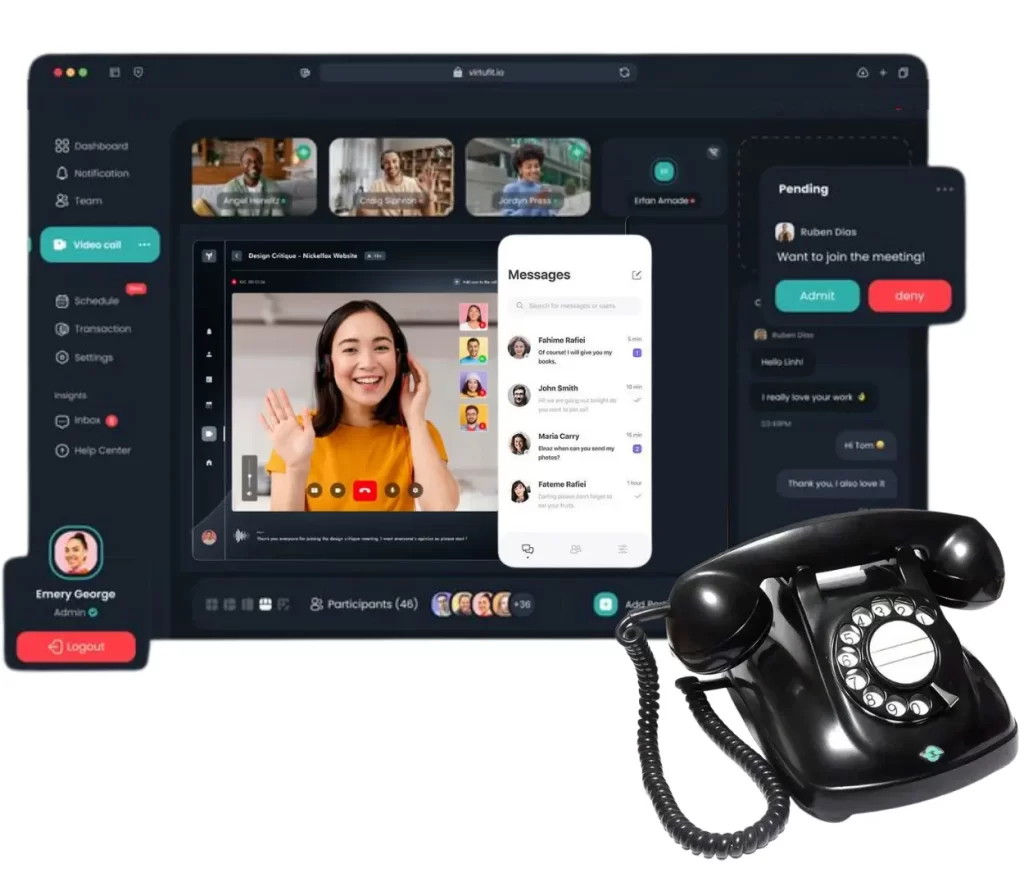
Upgrade Your Communication Across Every Device
Simple Plug & Play
Set up quickly with intuitive mobile and desktop apps that deliver smooth, reliable communication for every user and seamless collaboration across your entire team.
Meet Anywhere
Join or host meetings from any device using dependable apps that keep your team connected, engaged, and collaborating effectively wherever they work or travel.
Streamlined Workflows
Integrate seamlessly with Google and Microsoft tools to simplify tasks, improve coordination, boost productivity, and create smoother workflows for teams in departments.
Secure & Compliant
Protect data with strong encryption and compliance for HIPAA, GDPR, CCPA, ensuring communication remains secure, reliable, and fully aligned with essential business needs.
Advanced Video Meetings for Business
Webcam
Enjoy HD meetings with support for up to 100 webcams for clear and engaging communication.
Audio
Join from phone or computer using call numbers and PINs for reliable, high-quality audio.
Screen Annotation
Highlight key points in real time to improve clarity and enhance collaboration.
Integrations
Start or join meetings from Outlook, G-Suite, Slack, Teams, and more for a smooth workflow.

Pro Features for Enhanced Interactions
Recording & Notes
Record meetings with unlimited storage and simple sharing. Capture real-time notes with action items and access recordings anytime for follow-ups.
Branding & Transcripts
Add company branding and generate automatic transcripts. Extract action items and get clear summaries to support faster decisions.
Insights & Summaries
Get automated insights with highlights, tasks, and next steps. Smart analysis tools help teams review conversations and understand results clearly.
Recording & Notes
Record meetings with unlimited storage and simple sharing. Capture real-time notes with action items and access recordings anytime for follow-ups.
Branding & Transcripts
Add company branding and generate automatic transcripts. Extract action items and get clear summaries to support faster decisions.
Insights & Summaries
Get automated insights with highlights, tasks, and next steps. Smart analysis tools help teams review conversations and understand results clearly.
Easy, Effortless & Completely Worry-Free
End users are often the first target for hackers, making them vulnerable to attacks. Cloudway’s security framework helps prevent unauthorized access by blocking risky logins, monitoring user behavior, and detecting suspicious activity before it becomes a threat.
Your business data stays fully protected with strong encryption and secure development practices. Every application is carefully built, tested, and monitored to defend against vulnerabilities, malware, and modern cyberattacks—ensuring your information remains safe at all times.
Advanced data centers, 24/7 monitoring, and intelligent intrusion-detection systems work together to shield your cloud environment. These layered safeguards protect your files, communications, and operations from sophisticated threats and ensure continuous security.
All About Cloudway’s Video Conferencing
Cloudway Meetings offers secure, high-quality video conferencing inside Elevate for effortless team collaboration.
Is Cloudway Meetings part of Elevate’s video conferencing?
Yes, Cloudway Meetings is the built-in video feature inside Elevate, which also includes calling, chat/SMS, file sharing, and contact center tools.
How do I use video conferencing in Cloudway Elevate?
Using video conferencing is simple. Open the Elevate desktop, mobile, or web app, log in, and go to the Meetings tab to start or schedule sessions. Share your meeting link instantly—no training required.
Is there an Elevate app for meetings?
Yes! The AnyMeeting app is now fully integrated into Cloudway Elevate. It works across desktop, mobile, and web, allowing you to join or host video conferences from anywhere with ease.
Can I send my Cloudway Elevate meeting link by text?
Absolutely. You can share your meeting link through text, chat, email, or any messaging platform. Just copy the URL or click Copy Info and send it directly to participants.
Do attendees need an account to join meetings?
No account is required for attendees. Only the host needs an Elevate account—guests can join instantly by clicking the meeting link. They can also receive shared meeting notes afterward.
Does Cloudway Elevate support remote and hybrid work?
Yes. With video meetings, messaging, calling, file sharing, and mobile access, Cloudway Elevate provides everything teams need to stay connected and productive from any location.